Over 600,000 Facebook Accounts are compromised each day.¹
Security tends to be an afterthought for many people who are using Facebook, until this happens (see below)
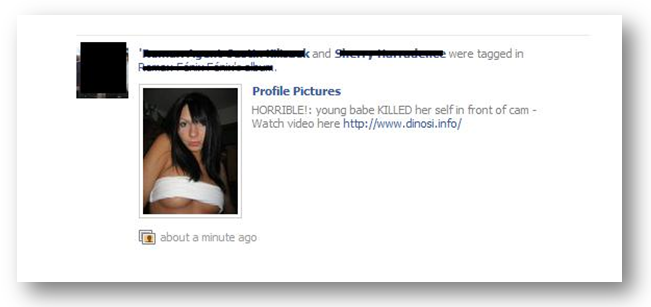
The obscene photo above was posted by an unsuspecting user whose account was hijacked by a virus. In this article, I’ll walk you through how to set up your Facebook Security settings and what to do if your account has been hacked.
Getting Started- visit your Facebook Security Page
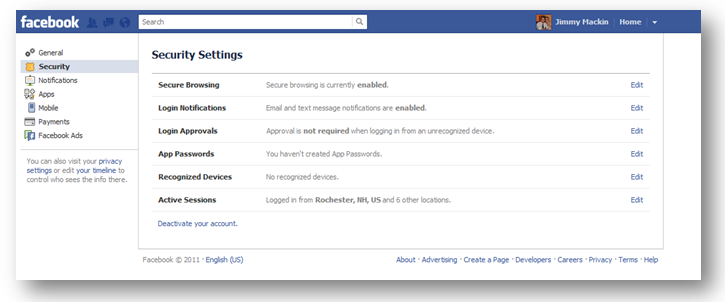
Secure Browsing

When you log into Facebook through a secure connection, all of your activity becomes encrypted, thus making it harder for anyone to access your information.
At this time, this feature is not available for mobile.
I’d recommend accessing Facebook through a secure connection whenever possible.
Login Notification
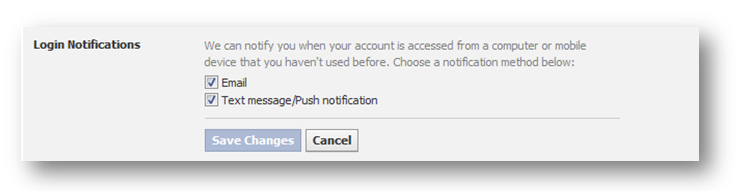
Any time your account is logged into through a device that you haven’t used before, you can have Facebook send you an Email or Text message alerting you of the activity.
Here is an example of a notification email sent from Facebook
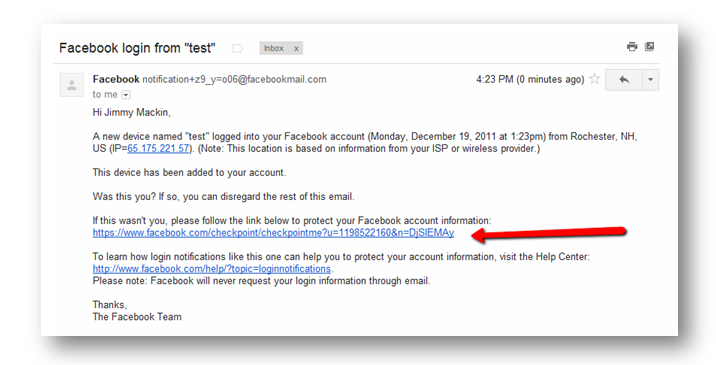
If you do not recognize the device, you can click on the link provided in the email to end the active session and secure your account.
Login Approvals

When you log into Facebook from an unknown device, Facebook will text you a code that you will use to sign into your account.
Without that code, a user cannot access their Facebook account.
App Passwords
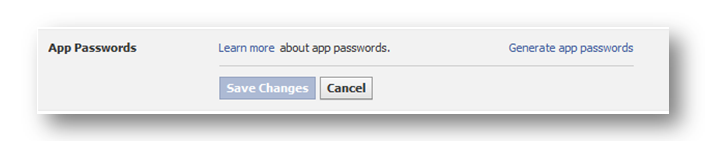
If you have activated Login Approvals and you are trying to access Facebook through an app like Skype, Xbox of Jabber – you will need to generate an App Password. I do not think you will ever use this feature.
Recognized Devices
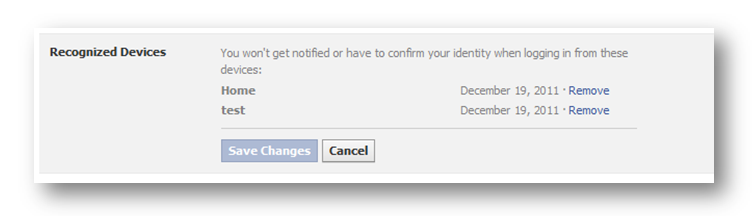
When you successfully log into a new computer for the first time, Facebook will ask you if you want to add this device to your Recognized Devices list. If you add a device to a Recognized Devices list, you will be not be required to jump through a security hoops to access your account.
Be sure to check this list to ensure that you haven’t unintentionally added a work computer or public computer to this list.
To remove a computer, simply click the Remove link to the right of the date stamp.
Active Sessions
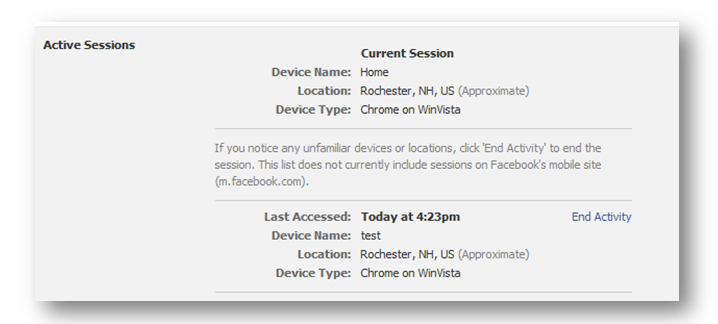
Under Active Session you can see a list of all your recent activity on Facebook.
You will have visibility to when you logged into the account, the device name (if you have login notifications set up), the location and the device type. As an additional security feature, you have the ability to End Activity for any unauthorized session.
I’d recommend reviewing your active session at least once a week.
Removing a Spammy App
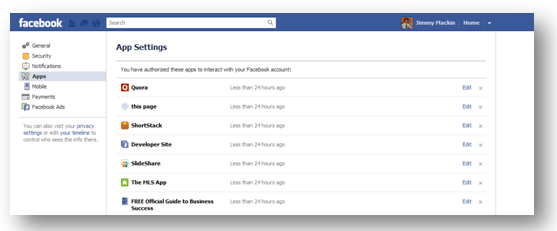
If you believe your account has been compromised as a result of authorizing a malicious Facebook app, visit your app page.
You will see a list of all the apps that have access to your Facebook personal profile. Go through the list and remove any app that you do not recognize. To remove an app, simply however over the “X” to the right of the edit hyperlink.
Fixing a Hacked Account

Fixing a hacked account is fairly simple. Follow the steps below to restore your account
- The first step is to visit http://facebook.com/hacked
- Select Continue
- Reset Password (Must be a new password)
- Review your Account
You are your best defense
If you want to protect your account, you must ensure that you do everything in your power to keep it secure. Avoid logging into Facebook from public or shared computers, review your active session regularly and activate the Login Notifications and Approvals.
Additional Reading
Facebook Security Help – Facebook Security FAQ’s
Facebook Help Center for Hacked Accounts
Areweconnected.com How to Kill a bad Facebook App
Facebook Security Facebook Page
Sources http://sophosnews.files.wordpress.com/2011/10/facebook-security-infographic.pdf
